Tool
16:9 Projector Screen Size Calculator
Enter a diagonal size to calculate the physical 16:9 image dimensions. This is useful before deciding whether 100 or 120 inches will actually fit your wall and furniture.
Affiliate disclosure: We may earn a commission if you buy through merchant links on this page. We do not claim hands-on testing unless explicitly stated.
On this pageHow to use the result100-inch reference120-inch referenceWhy wall fit is not enoughFrequently asked questions
Image width87.2 in
Image height49.0 in
Image area29.7 sq ft
How to use the result
The calculated width and height describe the image area, not the outside edge of the frame. Add the manufacturer's frame width plus clearance for speakers, furniture and installation.
100-inch reference
A 100-inch 16:9 image is about 87.2 inches wide by 49.0 inches high. It uses roughly 29.7 square feet of image area.
120-inch reference
A 120-inch 16:9 image is about 104.6 inches wide by 58.8 inches high. It uses roughly 42.7 square feet of image area.
Why wall fit is not enough
A larger UST image also changes projector distance and vertical offset. Confirm the exact projector's installation chart after choosing a candidate screen size.
Frequently asked questions
Does the calculator include the frame?
No. It calculates the visible 16:9 image area only.
Can I use it for a TV?
Yes. 16:9 diagonal-to-width/height geometry is the same.
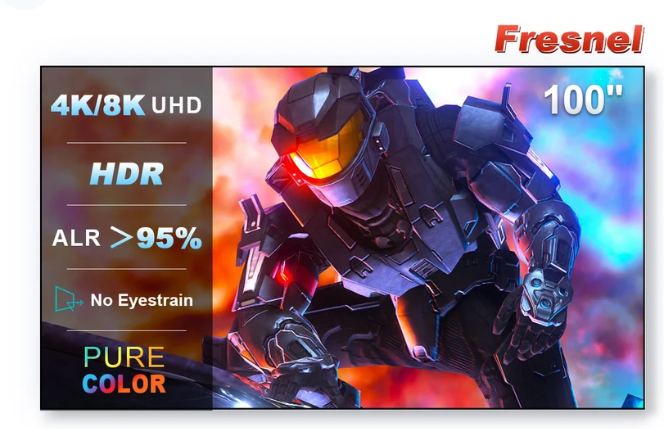
What sizes does the promoted Fresnel screen offer?
The current listing offers 100 and 120 inches.
Want the current merchant details?
Check the exact size, variant, shipping availability and current terms before ordering.
View the NothingProjector Fresnel Screen →